Talk, interrupt, continue
Ask anything by voice. A pause ends the phrase, you can cut in mid-answer, and the Look button lets Sova see what your camera sees.
 Sova
Sova
iPhone · iPad · Apple Watch
A voice assistant you can interrupt mid-answer and a live translator for real conversations — hands-free, through any headset or the phone itself.
Free to install · a starting credit to try
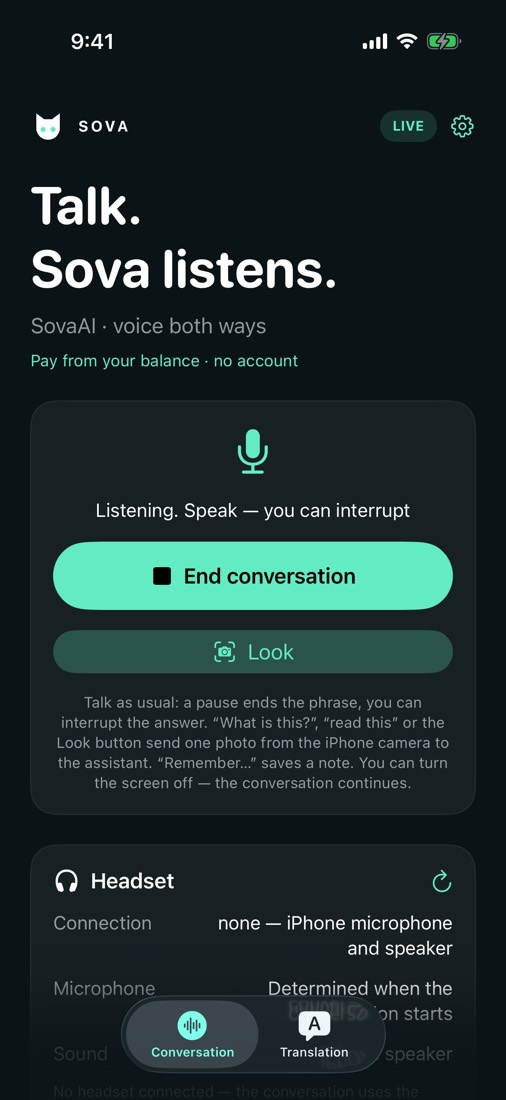
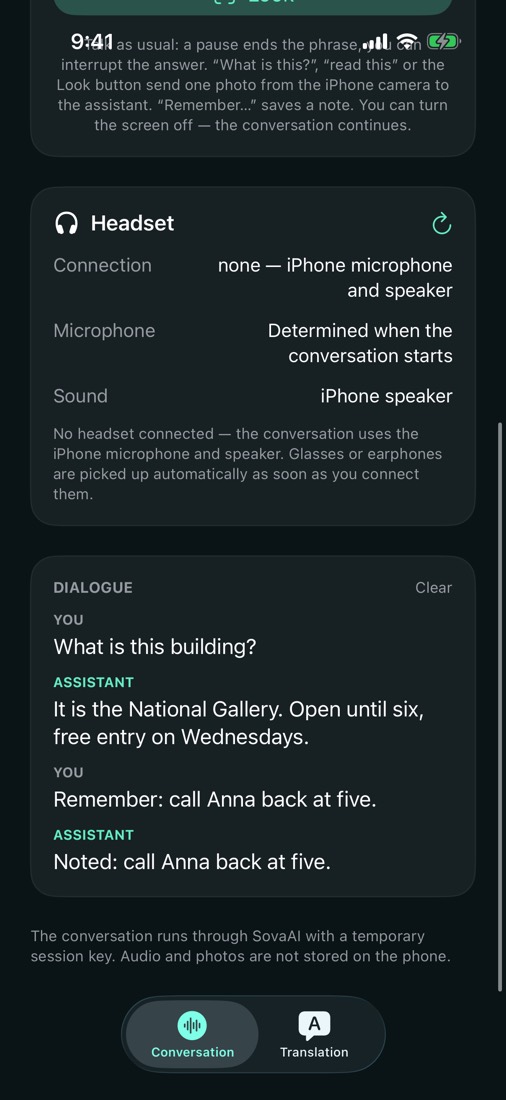
Ask anything by voice. A pause ends the phrase, you can cut in mid-answer, and the Look button lets Sova see what your camera sees.
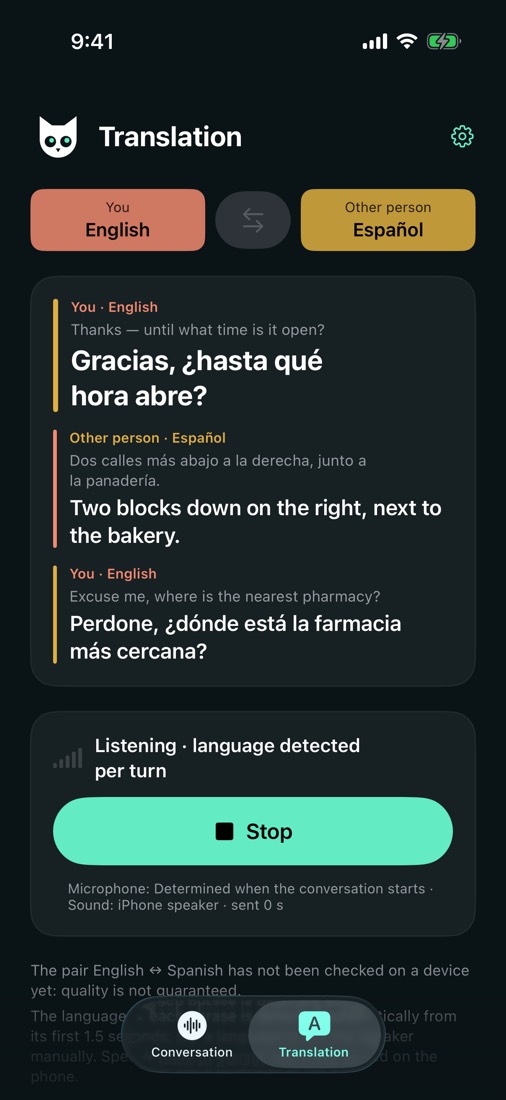
Pick two languages and talk. Sova hears who is speaking and answers in the other language — 20 languages, from English and Spanish to Japanese and Arabic.
AirPods, a car kit, the phone speaker or smart glasses that act as a headset. Even with the screen locked, Siri and the Now Playing controls start and stop a conversation.
Install for free, try it on the starting credit, then top up a single balance with a pack when you need more. No account, and nothing renews on its own.
Sova needs nothing else — no sign-up, no e-mail.
Set the languages for the translator, put on a headset if you like, and tap Start.
A pause is the end of a phrase. Interrupt whenever you want; a tap ends the conversation.
Twenty: English, Spanish, French, German, Italian, Portuguese, Dutch, Polish, Czech, Swedish, Greek, Slovenian, Croatian, Turkish, Ukrainian, Russian, Hebrew, Arabic, Japanese and Chinese. The assistant answers in the language you speak.
No. Your phone gets a starting balance once; top-ups add to it and never expire. At any time, “Delete my data” in Settings erases the device record and its balance on the server.
The audio goes to SovaAI's cloud only to produce the answer or the translation and is not stored. Error reports are anonymous and contain no audio, photos or names. Details are in the Privacy Policy.
With any Bluetooth headset: AirPods, car kits, smart glasses that work as a headset. Without one, the iPhone's own microphone and speaker do the job.
Downloading is free and the starting credit lets you try both modes. After that a pack tops up your balance; the current prices are on the Balance sheet in the app.
Free to install. Your first conversation is on us.